Clients struggling to share access to their
accounts? Get the access you need in minutes with a free trial of Leadsie.
14 day unlimited free trial
Extend until you onboard a client
No credit card required
Keep access to clients if you cancel


With easy one-link access requests for 13+ platforms your campaigns can go live in minutes, not days. Start free today.
Approved by Meta, Google & Tiktok
Keep access to clients' accounts if you cancel
Secure & 100% GDPR compliant


To add an Instagram account to a Meta Business Portfolio, open Meta Business Suite, go to Settings > Accounts > Instagram accounts, select “Add,” and log in to the Instagram profile you want to connect.
You must have full control of the Business Portfolio, and the Instagram account must be professional and not already owned by another portfolio.
In this guide, we’ll show you how to add Instagram using both the desktop and mobile versions of Meta Business Suite. We’ll also cover the most common connection problems and how to troubleshoot them.
Before you begin, confirm that the Instagram account and your Meta Business Portfolio meet the following requirements.
To add an Instagram account, open your portfolio’s settings in Meta Business Suite, select “Instagram accounts” under Accounts, and click “Add.” Log in to Instagram, complete any security prompts, and confirm the connection.
We’ll walk through each part in detail below.
Sign in to Meta Business Suite @ https://business.facebook.com, click Settings > Business settings and select the correct Business Portfolio.
If you manage multiple portfolios, confirm that you selected the one that should own the Instagram account. An Instagram account can belong to only one Business Portfolio at a time.

Under Accounts in the left menu, select “Instagram accounts,” then click Add > Add Instagram account.
Review the information Meta displays before continuing. If the Instagram profile has a connected ad account, Meta will move both assets into the portfolio.

Note: A claimed ad account cannot simply be removed later, so verify that you are using the organization’s correct portfolio.
Enter the Instagram account’s username and password in the window that opens. If prompted, complete two-factor authentication, accept the cookie settings or convert the profile from personal to professional.
Make sure you use the credentials for the correct Instagram profile, not your personal Facebook login.
⚙️ If the window does not appear, allow browser pop-ups or try the process in a private browsing window.
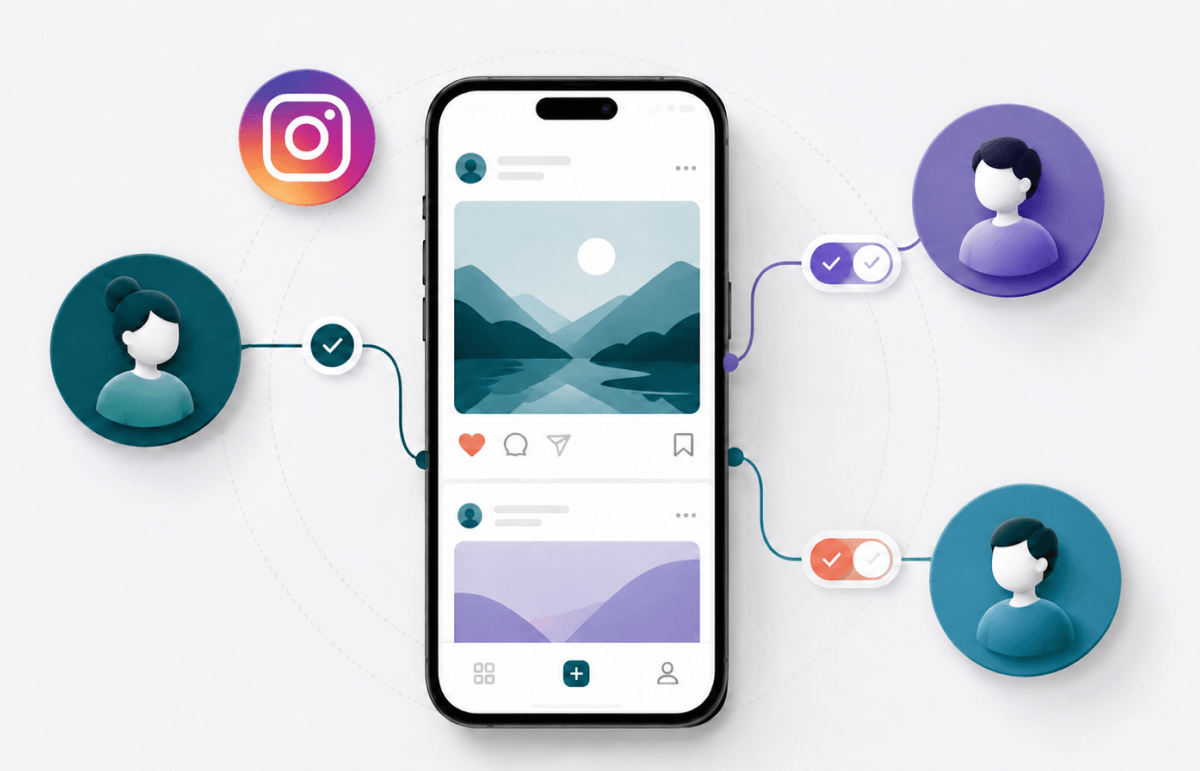
Once the Instagram account is added, people with its login credentials can sign in to Meta Business Suite to view the profile’s activity, run ads and manage shops.
However, they cannot access the Business Portfolio’s settings unless you add the Instagram profile to the People list. Leave the toggle off and click “Done” to finish, or enable it and click “Manage access” to grant business portfolio access.
If you add the Instagram profile to the People list, choose its portfolio access level.
Keep Partial access to limit it to assigned assets, or enable Everything to grant full control.
Only give full control to trusted administrators, as it includes sensitive portfolio-management permissions.
💡 If you skip this step, you can still give someone access to your Instagram account later.
To verify the connection, return to Tools > Settings and confirm that Connected appears next to Instagram.
Instagram usually cannot be added because of insufficient permissions, an existing portfolio connection, an incompatible account setup or a restriction on one of your Meta assets.
You may also see the error “Invalid Request: Request parameters are invalid: Invalid redirect_uri” when Meta cannot complete the connection.
Identify the message or symptom you see, then use the relevant solution below.
Only people with full control can add an Instagram account to a Business Portfolio.
Ask an existing administrator (someone with full access) to grant you full access or complete the connection for you. If the Pages or Instagram accounts options are missing from Settings, limited access is likely the cause.
Meta may require approval from another person with full control, even when you also have full control.
Ask the administrator to open Settings > Requests in Meta Business Suite and approve the pending Instagram request. Avoid repeatedly attempting the connection while approval is pending.
An Instagram account can belong to only one Business Portfolio at a time.
Ask an administrator of the existing portfolio to remove the account before adding it to the new one (Business Suite Settings > Instagram accounts > Remove).
If the account belongs to a client or another organization, request partner access instead of transferring ownership.
Only Instagram Business and Creator accounts can be added to a Business Portfolio.
If you try to add a personal account, Meta may prompt you to convert it during setup. If the prompt does not appear, switch the account to professional in Instagram before trying again.
Restrictions on your Business Portfolio, Facebook Page, ad account or personal Meta account can prevent the connection.
Check Business Support Home for policy violations, advertising restrictions or unresolved verification requirements. Resolve or appeal the listed issue before repeating the connection process.
Adding Instagram to a Business Portfolio is not the same as connecting it to a Facebook Page. Adding the IG account makes it an asset in the portfolio, while connecting it to a Page links the two profiles for features such as combined management, messaging and advertising.
To connect them, open your professional Instagram profile and go to Edit profile > Page, then select or create the Facebook Page you want to link.
For screenshots and complete instructions, see our guide on how to connect Instagram to a Facebook Page.
Are you an agency that needs access to a client’s Instagram account, or a business working with an external marketing team? See our guide on how to give or request access to Instagram.
Hiring a marketing agency, freelancer, or consultant? Giving them access to your marketing accounts shouldn't require endless emails, confusing permission settings, or sharing login credentials (too risky).
If your agency sent you a long PDF and asked you to navigate Meta Business settings and 5 other social platforms to grant them access, send them over to leadsie.com to automate this part of client onboarding for you.
With Leadsie, you can securely share access to Meta, Google, LinkedIn, TikTok, Shopify, and 14+ other marketing platforms via a secure link in just a few clicks.
✅ Approve only the permissions your agency actually needs
✅ No need to share passwords or sensitive login information
✅ Get campaigns, ads, and marketing projects started faster
✅ Keep account access secure with 100% GDPR and CCPA-compliant workflows
💬 "I never want to do onboarding without Leadsie!" - Alyssa, Meta Ads Manager
🎁 Start your free 14-day trial today —no credit card required.
P.S. It's risk-free, and you get to keep your account connections after the trial ends. 🙌

Nina is an SEO content specialist with expertise in B2B SaaS. She helps businesses increase organic traffic with strategic, high-quality content. Outside of work, you’ll find her sailing somewhere in the Mediterranean.


Clients struggling to share access to their
accounts? Get the access you need in minutes with a free trial of Leadsie.
Approved by Meta, Google & Tiktok
Keep access to accounts if you cancel
Secure & 100% GDPR compliant
Delete your onboarding PDF. Cancel the video call. Just send one link, and get hassle-free access to 13+ platforms in minutes. Start free today.
Approved by Meta, Google & Tiktok
Keep access to clients' accounts if you cancel
Secure & 100% GDPR compliant
No. Adding Instagram makes it an asset in the Business Portfolio, but connecting it to a Facebook Page is a separate process. Without the Page connection, the two accounts may appear as separate profiles in Meta Business Suite.
Yes, but you must remove it from its current Business Portfolio first. An Instagram account can belong to only one portfolio at a time.
Instagram may need to be connected to a Facebook Page instead of a personal Facebook profile before it can be added. If the Page and Instagram account are already linked, Meta may require you to claim both assets together through the portfolio’s Pages settings.
Message access may require a separate permission after you connect the account. Open the Meta Business Suite Inbox or connection settings, enable Instagram message access and complete any approval requested from an Instagram administrator.
An agency should normally request partner or task-based access through a Business Portfolio instead of claiming the client’s Instagram account. This allows the client to retain ownership while the agency manages the approved assets through Meta or an access-request tool such as Leadsie.
Questions unanswered? Check out our help center or get in touch 🤠